


Yardi - P2P Processing HD Credits

May 06, 2026
 64
64
You receive an HD credit memo, but when you click Validate, you get this message that the linked PO or change orders have already been full paid. *This is because the original PO was already linked to the original invoice.
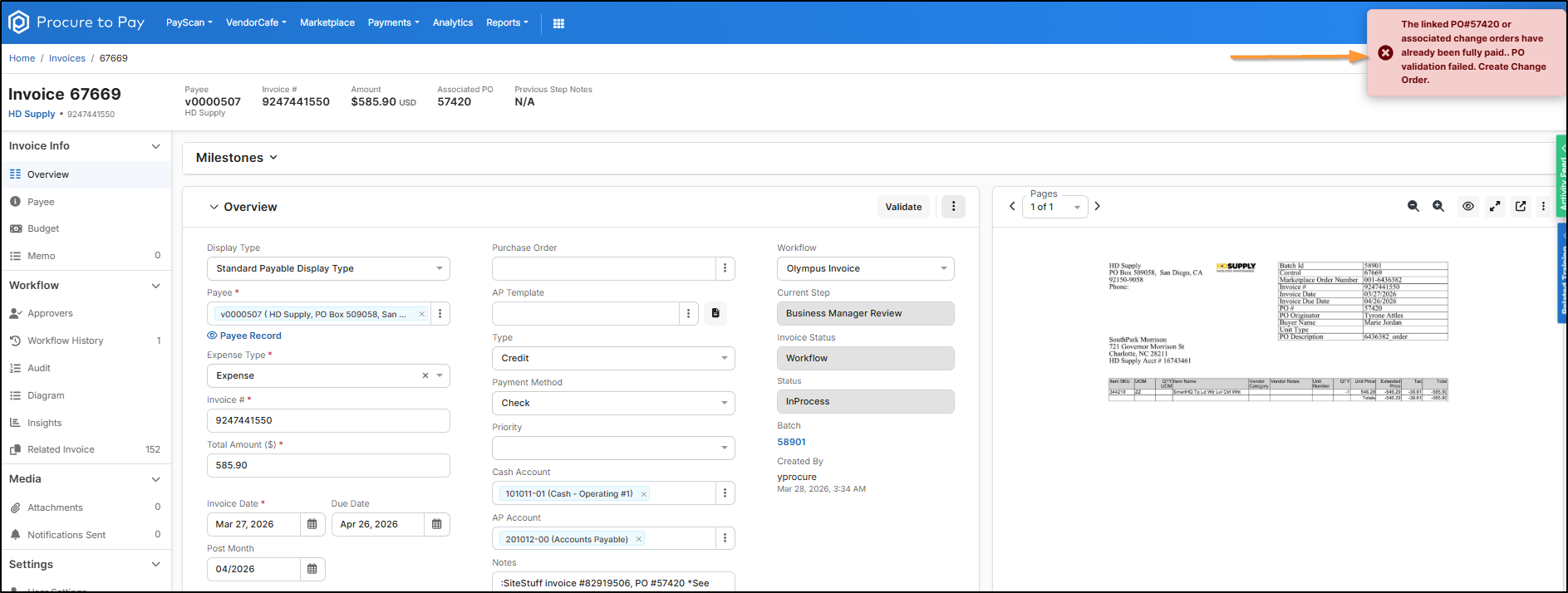
Notes:
- Type should be set to 'Credit'
- Amount should be a 'Positive' number
- Credits do not require a PO to Approve them
Mirror the original line item(s) > Click Save
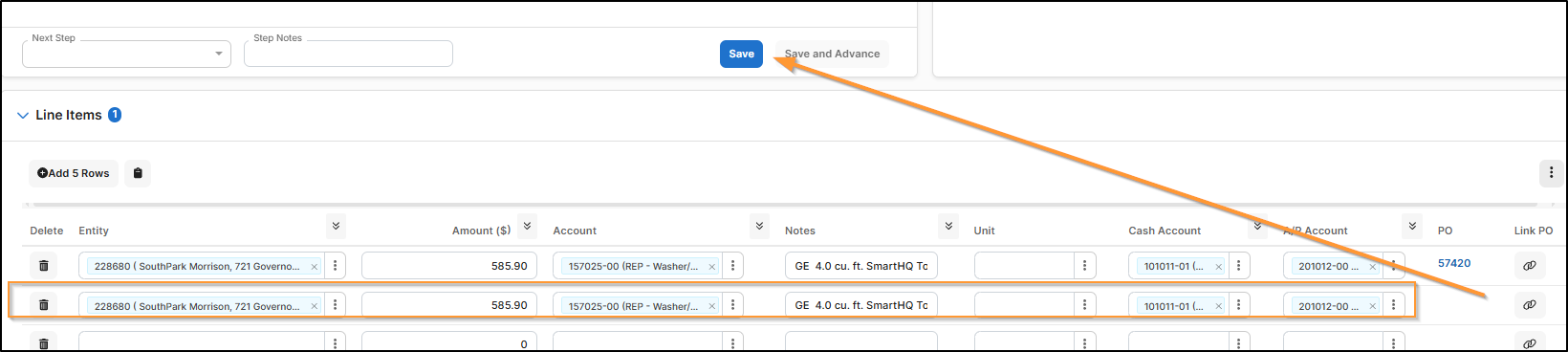
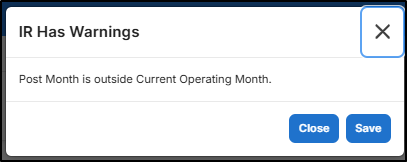
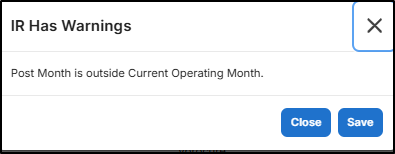
If you get this message, click Save
Now Delete the line item(s) associated with the PO

Click Ok
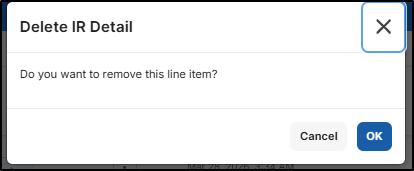
If you get this message again, click Save
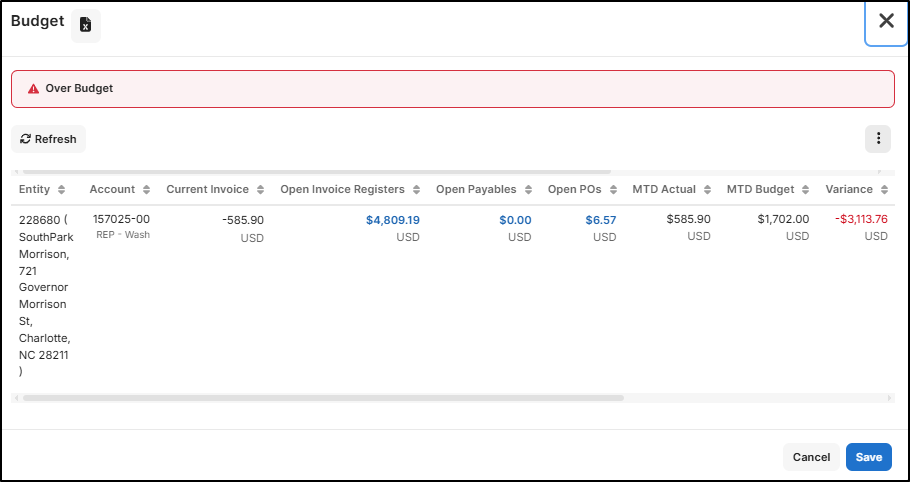
If you get this Budget message, click Save
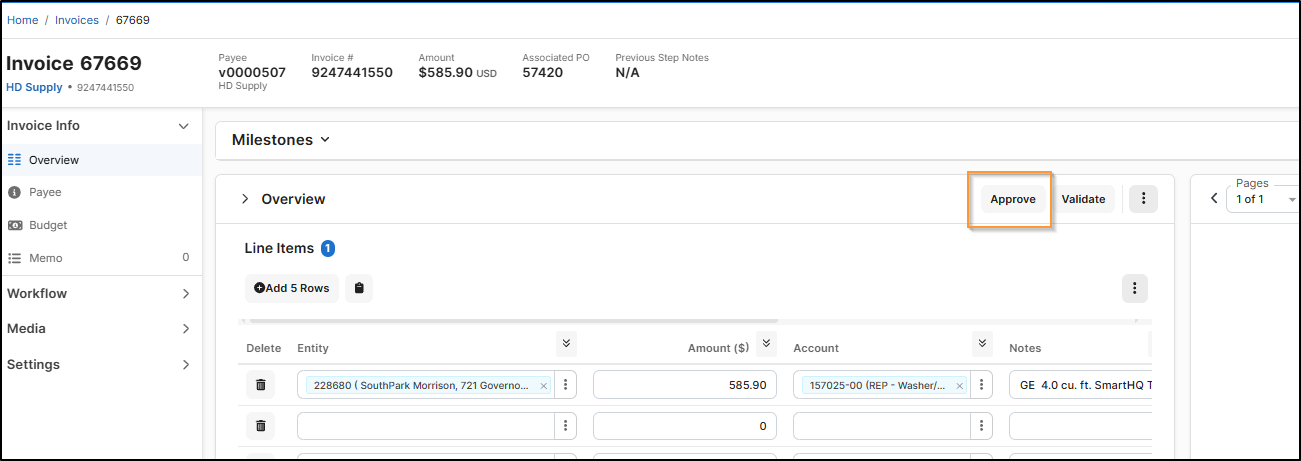
Now the Approve button is available > Click Approve
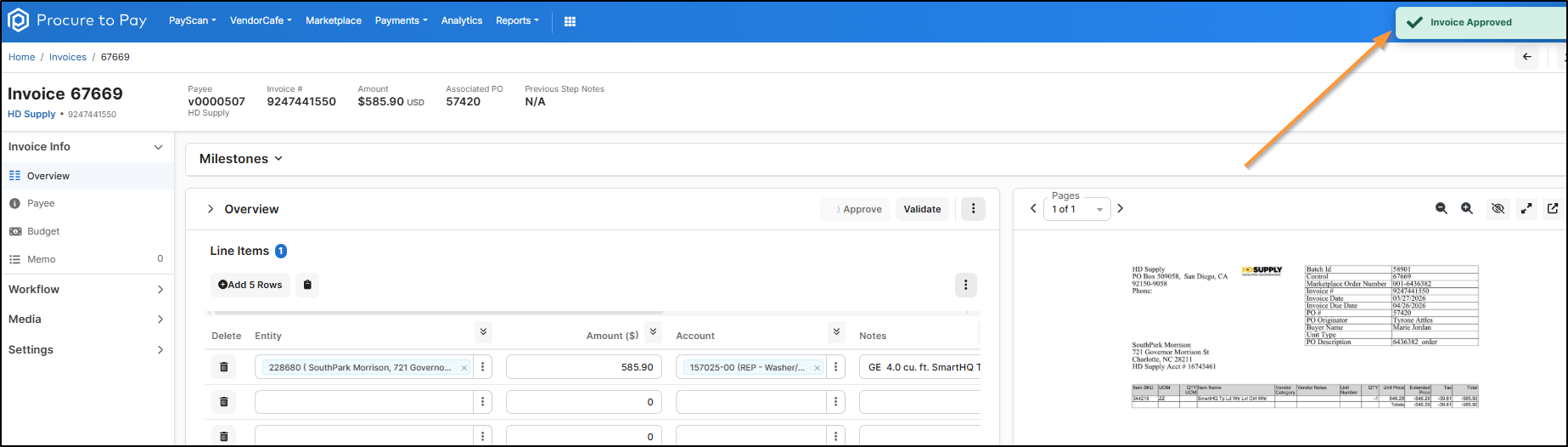
You should get a green confirmation that the Invoice is Approved
Additional notes
- If you receive a credit memo that has multiple lines, you can consolidate the rows by GL Code
- To easily identify the consolidated amounts, click on your Budget Tab > You'll see the GL accounts and Amount on This Invoice (This example only had one GL associated, but it will consolidate if there are multiple)
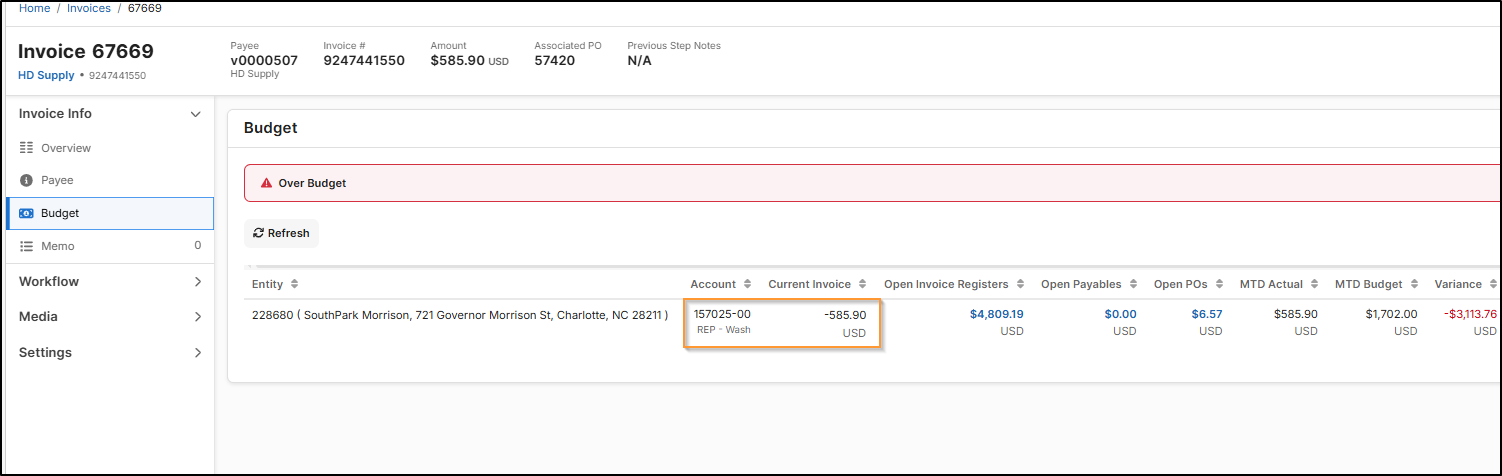
- To easily identify the consolidated amounts, click on your Budget Tab > You'll see the GL accounts and Amount on This Invoice (This example only had one GL associated, but it will consolidate if there are multiple)

