OneSite - Generating Letters & Notices in Bulk (New Experience)

May 07, 2026
 59
59
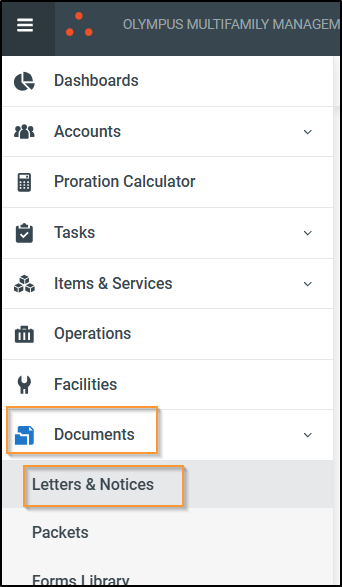
Login to the New Experience > Go to Menu > Documents > Letters & Notices
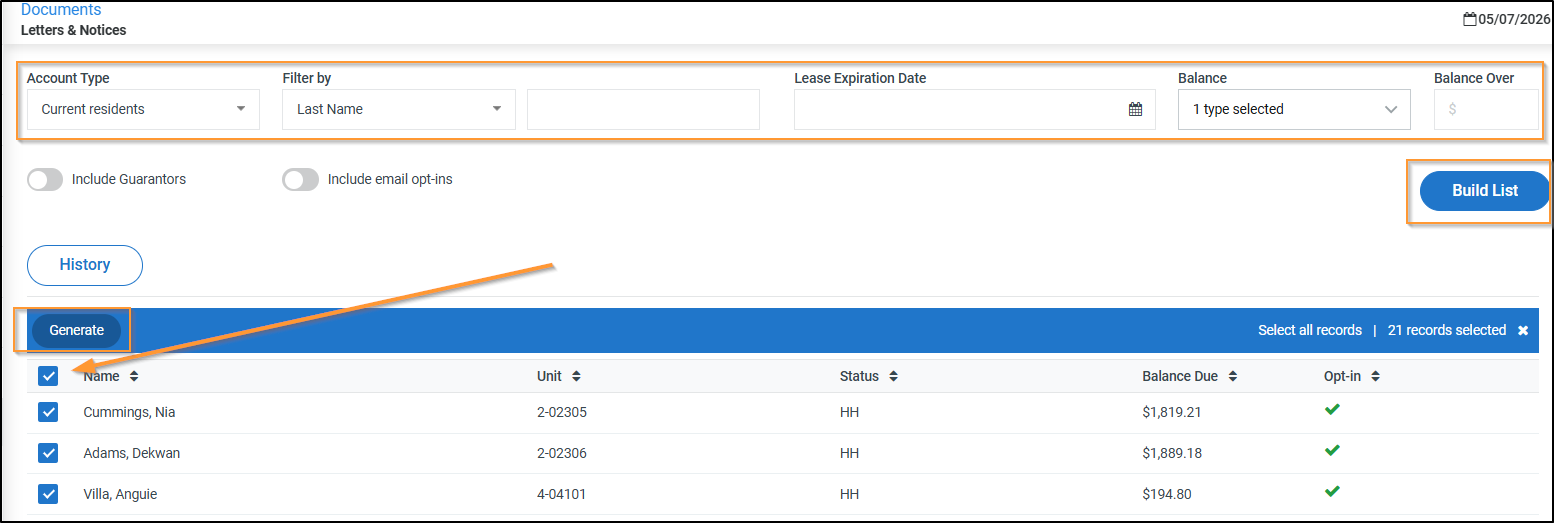
Choose your filters > This example is to send to all residents with a Balance Due > Click Build List > Select all you want to generate a letter for > Click Generate
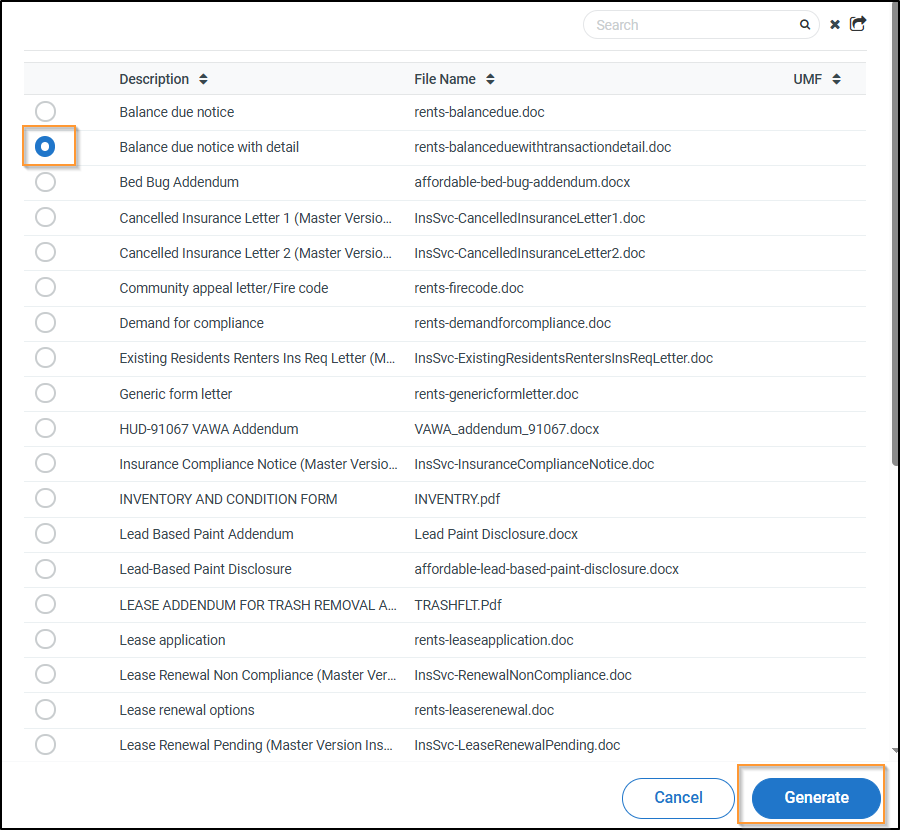
Select the letter you would like to generate > Click Generate
If you also want to send as an attachment view email, toggle this on > In this example > We're just generating the letters > Click Generate
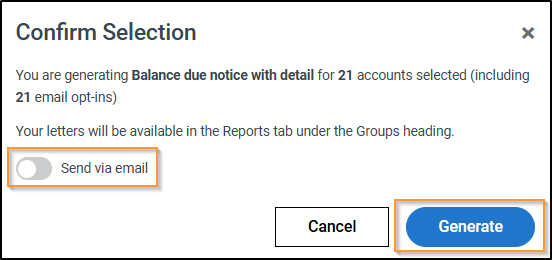
You should see this success message

Click History
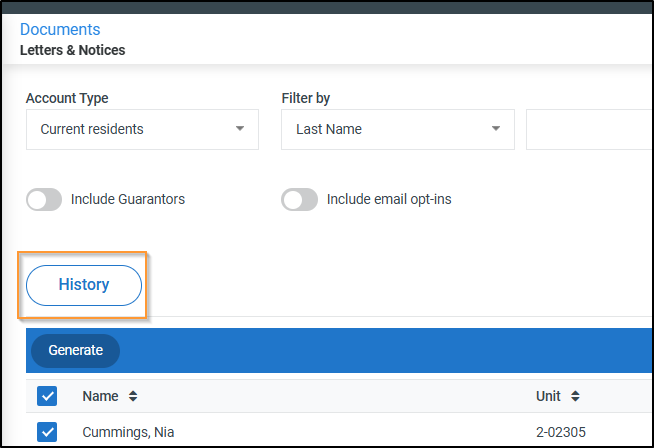
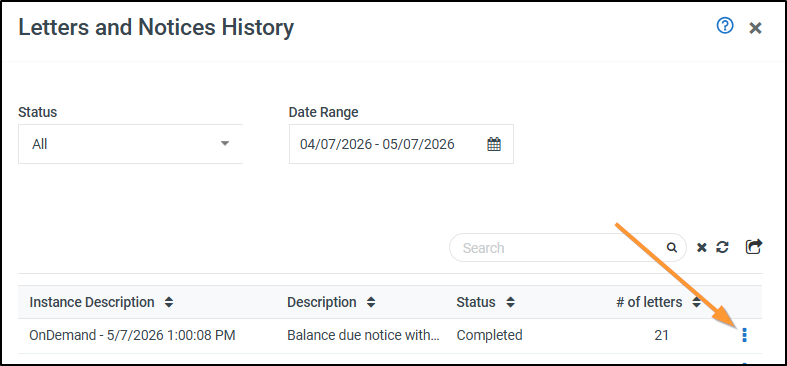
Click on the three dots > and either Print or Download
Notes
- Printing will combine all letters to print at once
- Download will download all into a Zip file > each letter will be an individual word document