


Yardi - How to Reapply a Payment to the Correct Ledger

Apr 27, 2026
 91
91
If you've posted a payment to the wrong ledger and need to move to the correct ledger, follow these steps
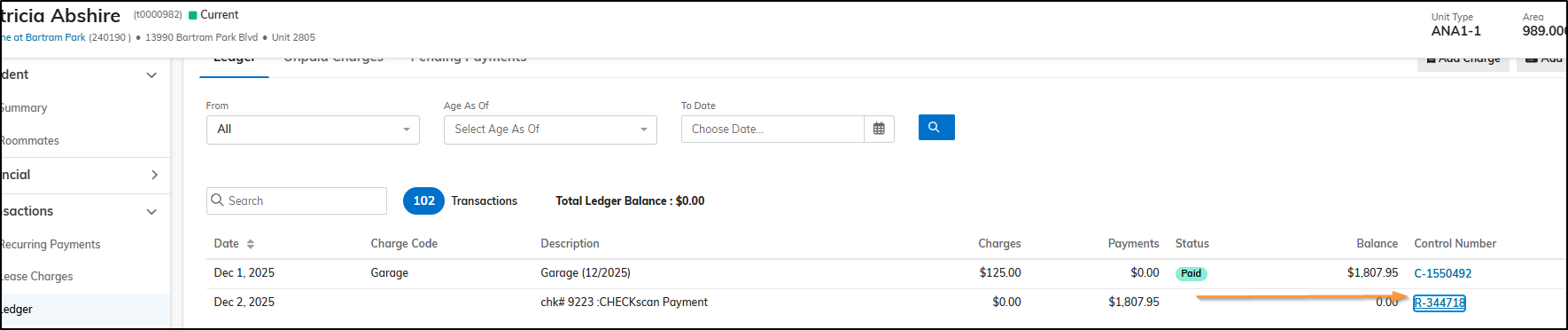
- Open the Receipt
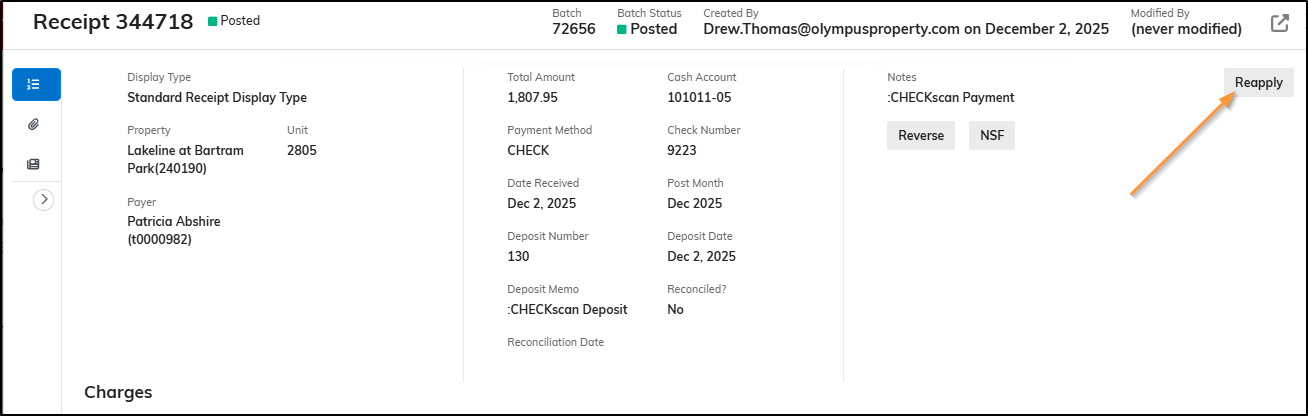
- Click "Reapply"
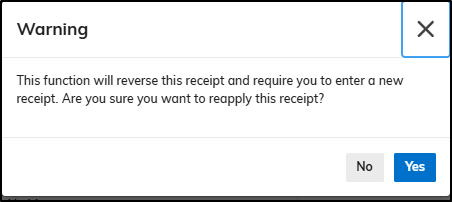
- Click Yes
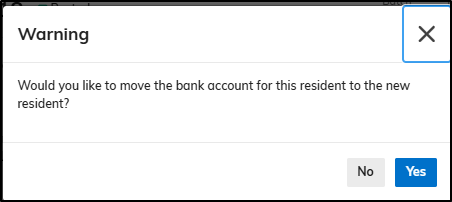
- Click No
- Click Reselect
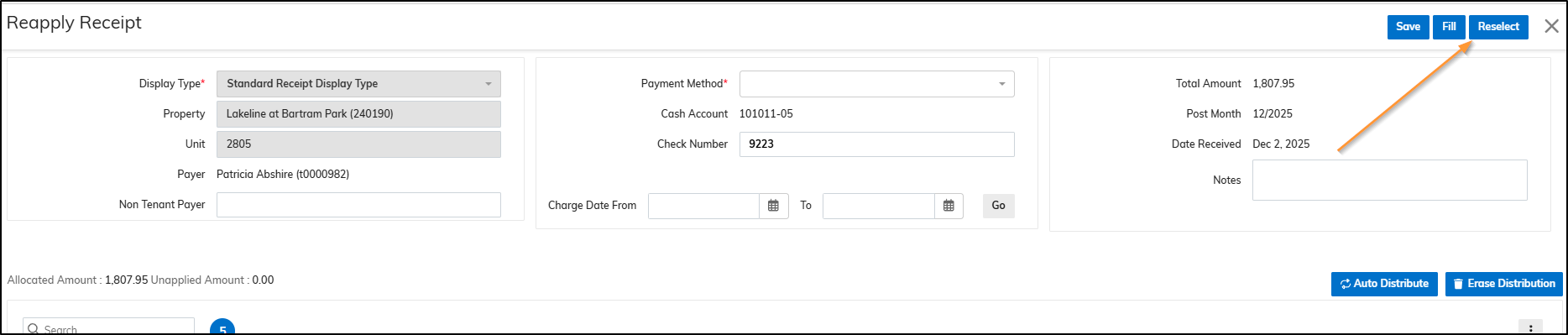
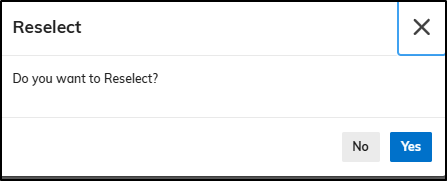
- Click Yes
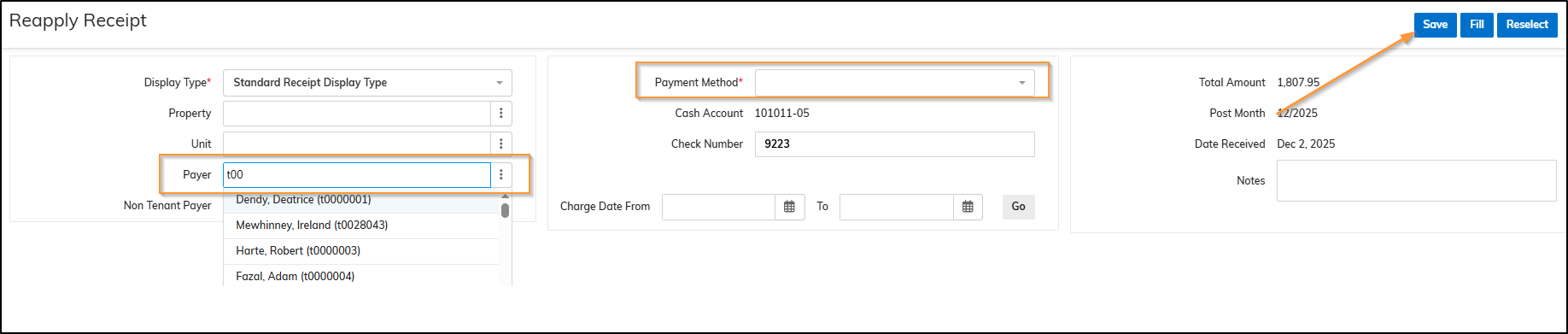
- Look up the Resident you want to move the payment to > Select Payment Method > Click Save
Notes:
- Sometimes the system doesn't always load the options to Reverse or Reapply. Close the window, open the receipt again.
- If the payment has been reconciled and you are unable to complete the 'reselect' steps, please submit a ticket in the Olympus Support Desk.

