


YARDI - Where to Pull Collection Data (Total Collected for Month)

Dec 02, 2025
 93
93
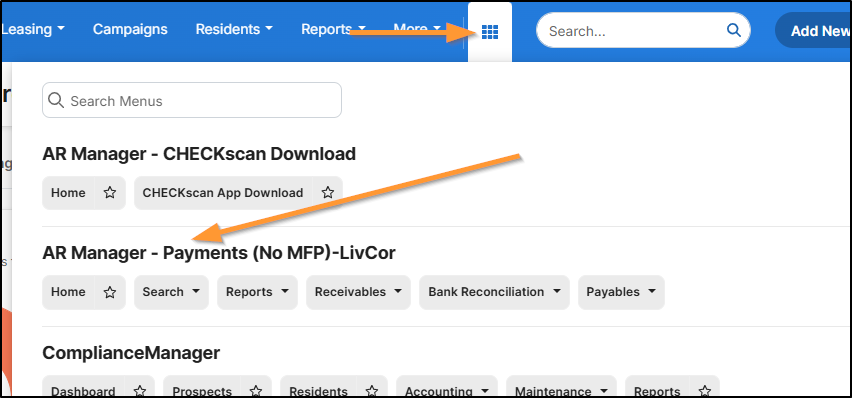
Go to Menu > AR Manager - Payments (No MFP)-LivCor
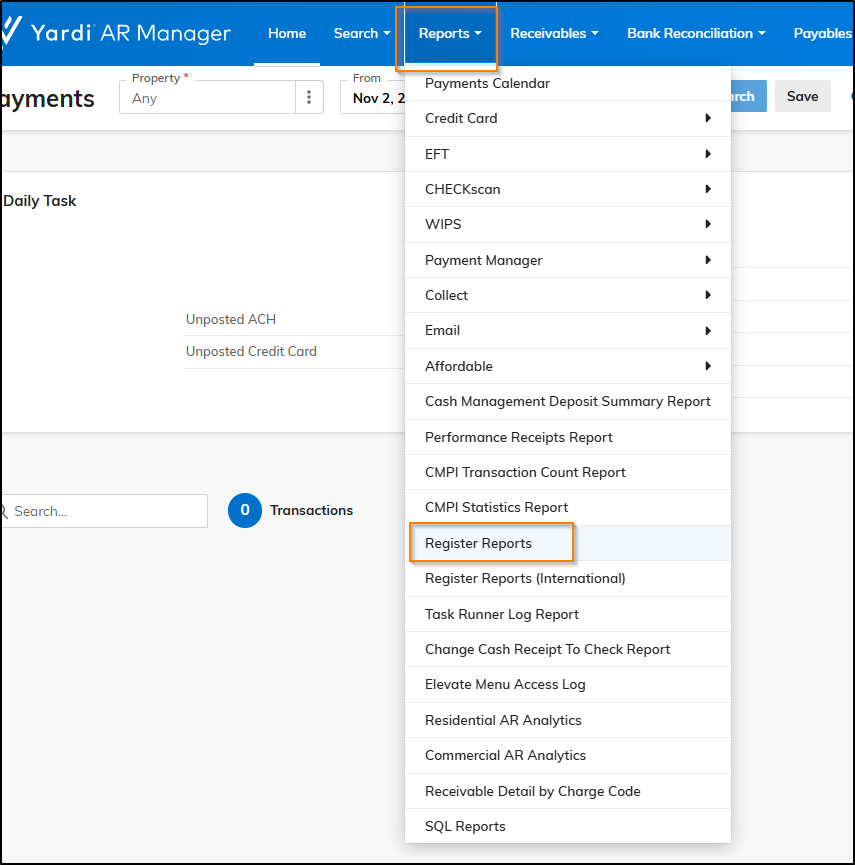
Go to Reports > Register Reports
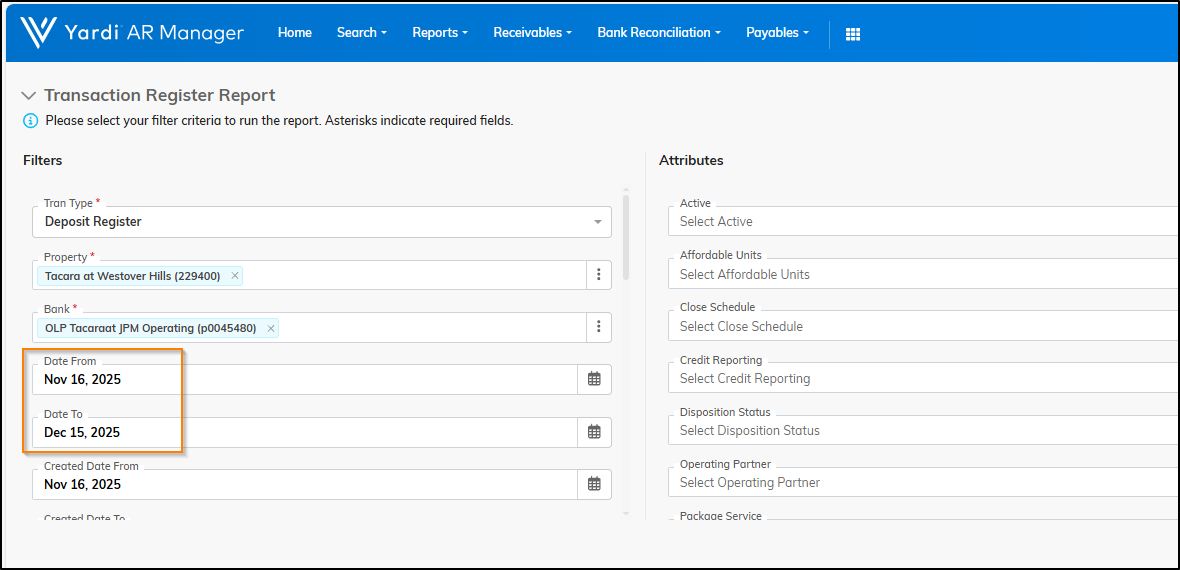
Select the Property Name > Bank > Choose Date From and Date To
This report allows you to display more than 1 bank account on the report.
Click Display
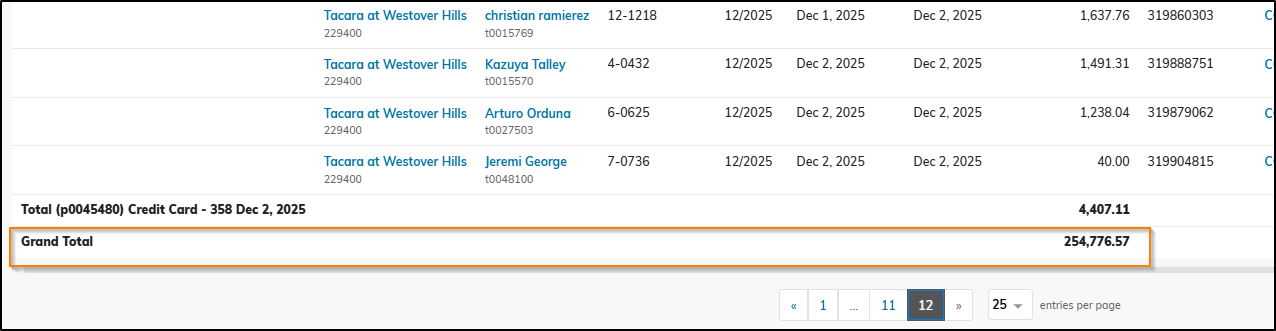
Go to the last page to get the Grand Total
*Note - These reports are date-driven, not period driven. You will need to enter the XX/16-XX/15 each month. (e.g. for December close, you'll need to run the report from 11/16-12/15).

